

PDF? EPS? JPEG?
No, this isn’t a terrible Scrabble hand - it’s actually different types of artwork files (and fyi: 28 Scrabble points in total - so not too shabby).
You might think supplying artwork for a project would be easy. Cut and paste exists, Paint is your childhood bestie, and if all else fails, you can always get ‘lil Timmy down the road to draw something half-decent.
…. I can assure you, we’ve heard and seen it all when it comes to artwork files for merch orders.
And sure, some of these may work, on paper (or screen).
But, if you want that crisp, clean, clear final design on your branded merch, you need the right file type; there’s no escaping it - otherwise, your logo could be blurry, pixelated, or stretched beyond recognition.
And no one wants that.
We want your artwork to appear exactly as intended - whether that’s on a massive banner, or a teeny tiny pen clip, and we always want you to be blown away by the quality of your final order.
That’s why, in this guide, we’ll walk you through the different artwork formats, explain when to use each, and help you understand what works best for print-ready results.
Not sure what file you have? Send it over, and we’ll check it for free before printing as part of your order.
Interested in finding out more? Chat with one of our dedicated merchandise consultants today, and we’ll make sure your branded merch looks as awesome as your Scrabble score.

In short…
Vector files such as PDF, AI, EPS, and SVG are usually the best formats for printed merchandise because they can scale without losing quality. Raster files like JPEG and PNG can work too - but only when supplied at high resolution (300dpi or higher).
-2.jpg?width=700&height=400&name=What%20format%20do%20I%20need%20to%20provide%20my%20artwork%20in%20when%20ordering%20merchandise%20(5)-2.jpg)
What are artwork files?
Artwork files are digital files that contain your logo, design, or graphic. These files tell us, your printers and designers, exactly how your artwork should look when reproduced on physical products.
Think of them as the blueprint behind your visuals. The clearer and more detailed the blueprint, the sharper and more accurate the final printed result will be.
Artwork files can contain images, text, colours, shapes, and layout information - all working together to bring your brand visuals to life across different materials.
-1.jpg?width=700&height=400&name=What%20format%20do%20I%20need%20to%20provide%20my%20artwork%20in%20when%20ordering%20merchandise%20(5)-1.jpg)
What are the different artwork files?
Different file formats are used for different purposes. Some are designed for flexibility and scalability, while others are better suited for photography or web use.
Here’s a breakdown of the most common artwork file types:
|
File Type |
Vector or Raster |
Best For |
Print Suitable? |
|
|
Vector/Raster |
Final artwork |
Yes |
|
EPS |
Vector |
Logos |
Yes |
|
AI |
Vector |
Editable artwork |
Yes |
|
SVG |
Vector |
Web + scalable |
Yes |
|
JPEG |
Raster |
Photos |
High-res only |
|
PNG |
Raster |
Transparent logos |
High-res only |
.jpg?width=700&height=400&name=What%20format%20do%20I%20need%20to%20provide%20my%20artwork%20in%20when%20ordering%20merchandise%20(6).jpg)
PDF files are one of the most commonly used artwork formats and are widely supported across different systems.
They can contain both vector and raster elements, making them:
- Versatile
- Reliable
- High-quality
- Print-ready
- Easy to share
Use for:
- Print-ready artwork
- Logos and layouts
- Sharing final artwork files
.jpg?width=700&height=400&name=What%20format%20do%20I%20need%20to%20provide%20my%20artwork%20in%20when%20ordering%20merchandise%20(5).jpg)
EPS
EPS files are vector-based formats often used for professional printing.
They store artwork as scalable vector shapes, meaning they can be:
- Resized without losing quality.
Use for:
- Logos
- Large-scale printing
- High-quality reproduction
.jpg?width=700&height=400&name=What%20format%20do%20I%20need%20to%20provide%20my%20artwork%20in%20when%20ordering%20merchandise%20(4).jpg)
AI
(No, not that AI).
AI files are native Adobe Illustrator files.
They contain full design data, making them highly editable and ideal for designers. While not always required for printing, they are incredibly useful when artwork needs to be adjusted or refined.
Use for:
- Editable design files
- Logo creation
- Professional artwork development
.jpg?width=700&height=400&name=What%20format%20do%20I%20need%20to%20provide%20my%20artwork%20in%20when%20ordering%20merchandise%20(3).jpg)
SVG
SVG files are scalable vector graphics commonly used for digital and web applications - but they’re also useful in certain print workflows.
They scale beautifully without losing detail, making them ideal for graphics that need flexibility across platforms.
Use for:
- Logos
- Web graphics
- Scalable artwork
.jpg?width=700&height=400&name=What%20format%20do%20I%20need%20to%20provide%20my%20artwork%20in%20when%20ordering%20merchandise%20(2).jpg)
JPEG
JPEG files are raster images made up of pixels.
They’re widely used for photography and digital visuals, but can lose quality when resized or compressed. JPEGs can work for print, but only if supplied at high resolution (300dpi or higher).
Use for:
- Photography
- High-resolution images
- Digital visuals
PNG
PNG files are another raster format, often used when transparent backgrounds are needed.
They offer better quality than JPEGs in some cases, but still rely on resolution, meaning they may pixelate if enlarged.
Use for:
- Logos with transparent backgrounds
- Digital use
- Web graphics
Vector vs raster
Understanding the difference between vector and raster files is one of the most important steps in choosing the right format for your product artwork.
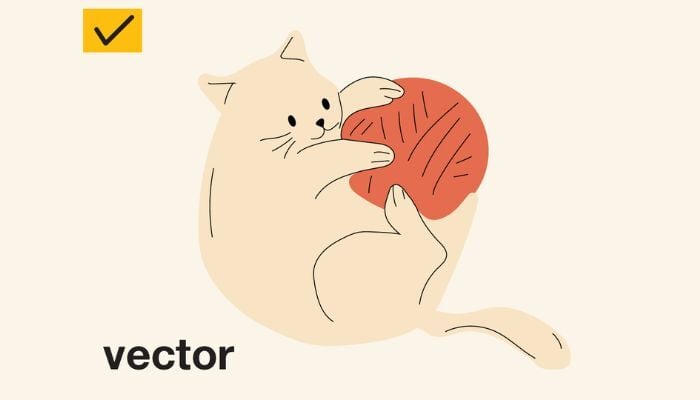
What are vector files?
Vector files are built using mathematical paths, meaning they can scale endlessly without losing clarity.
What are raster files?
Raster files, on the other hand, are made from pixels, which means enlarging them reduces quality.
-1.jpg?width=700&height=400&name=What%20format%20do%20I%20need%20to%20provide%20my%20artwork%20in%20when%20ordering%20merchandise%20(4)-1.jpg)
Vector vs raster files
If you imagine printing your logo on everything from a tiny badge to a massive banner, vector artwork keeps it crisp at every size, while raster artwork may begin to blur or pixelate.
-1.jpg?width=700&height=400&name=What%20format%20do%20I%20need%20to%20provide%20my%20artwork%20in%20when%20ordering%20merchandise%20(3)-1.jpg)
When to use vector and raster files
Choosing the right format depends on how and where your artwork will be used.
Use vector files when:
- Printing logos or branding
- Scaling artwork to different sizes
- Producing merchandise
- Creating signage or large-format prints
-2.jpg?width=700&height=400&name=What%20format%20do%20I%20need%20to%20provide%20my%20artwork%20in%20when%20ordering%20merchandise%20(2)-2.jpg)
Use raster files when:
- Printing high-resolution photographs
- Using detailed imagery
- Sharing visuals online
- Working with transparent backgrounds (PNG)
-2.jpg?width=700&height=400&name=What%20format%20do%20I%20need%20to%20provide%20my%20artwork%20in%20when%20ordering%20merchandise%20(3)-2.jpg)
The pros and cons of different artwork files
Every file format has strengths and limitations. Knowing these can help avoid unexpected quality issues.
| PROS | CONS | |
|
Vector files |
|
|
|
Raster files |
|
|
What artwork files do we prefer?
Whenever possible, vector files are the preferred option when branding promotional merchandise - particularly PDF, AI, or EPS formats.
These formats provide flexibility, clarity, and reliability across different print methods. They allow artwork to be resized without compromising quality, ensuring the final product looks exactly as it should: fantastic.
If vector files aren’t available, high-resolution raster files (300dpi or higher) can often be used, but they may require additional checks before printing.
-2.jpg?width=700&height=400&name=What%20format%20do%20I%20need%20to%20provide%20my%20artwork%20in%20when%20ordering%20merchandise%20(4)-2.jpg)
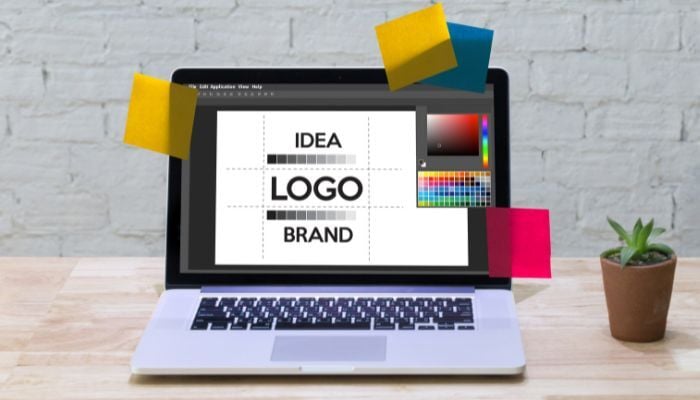
Why are vector files best for promotional merchandise?
Using vector artwork helps ensure consistency across all products, no matter the size or material.
When artwork is supplied in vector format, it allows designs to remain crisp, colours to stay accurate, and shapes to retain their precision - whether printed on a small promotional item or a large display surface.
It also reduces the risk of delays caused by resizing issues or quality concerns, helping projects move smoothly from concept to finished product.
Fonts and outlining
What does it mean when we ask for the text to be outlined?
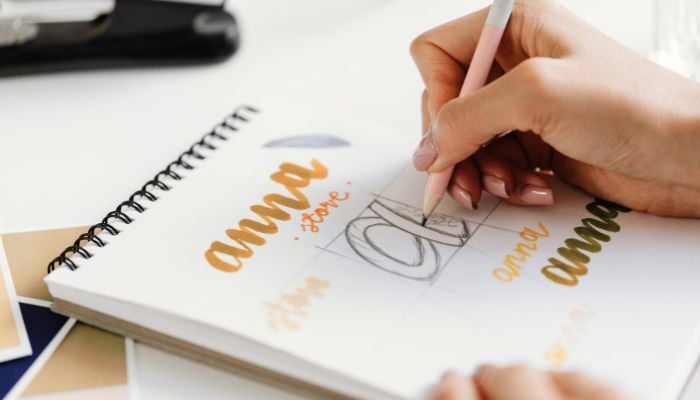
In a perfect world, all artwork supplied to us will have any text outlined. This means that the text has been converted into a vector representation of the words, rather than editable text.
The reason for this is that not all computers contain the same fonts, and we may not have the same font that is used in your artwork. If this is the case, then it means the artwork might not appear correctly on our systems.
So, in order to prevent mistakes from happening, we'll need to have the artwork supplied in a vector image format. We can then see what it is meant to look like and proceed with creating your visual correctly.
Question time! FAQs about artwork files
1. What is the best artwork file format for printing?
Vector formats such as PDF, AI, and EPS are typically the best options because they scale without losing quality.
2. Can I use a JPEG or PNG for print?
Yes, but only if the file is high resolution (300dpi or higher) and large enough for the intended print size.
3. What happens if my artwork isn’t in vector format?
If vector artwork isn’t available, it can often be recreated or redrawn. This ensures it can be resized and printed correctly.
4. What does 300dpi mean?
300dpi stands for dots per inch and refers to image resolution. Higher dpi means more detail and better print quality.
5. Do I need to outline fonts before sending artwork?
Yes, outlining fonts ensures text appears correctly, even if the original font isn’t available on another computer.
Before you go: artwork file key takeaways
- Vector files (PDF, AI, EPS, SVG) are best for print
- Raster files (JPEG, PNG) must be high resolution to avoid pixelation
- Vector artwork scales without losing quality
- Fonts should be outlined to prevent formatting issues
- If vector files aren’t available, artwork can often be recreated

File this away for your next order
Supplying the right artwork format is the foundation of an excellent order.
It might not seem it, but everything hinges on that file being correct.
From artwork proofs to meeting your delivery date, knowing the difference between AI, EPS and JPEG makes everything run so much smoother (and usually, faster).
And remember, if you’re not sure what artwork file you have, we’ll check it for free before printing as part of your order.
Interested in finding out more? Chat with one of our dedicated merchandise consultants today, and get ready to go on the best branding journey ever.